Openers · Marywood Meadows
Smart Garage Controller Setup in Marywood Meadows
There is a wireless symbol printed on the opener above the car, and the manual mentions an app, but the head unit has never been connected to anything. You downloaded the app once, it asked for a serial number and a network, and the moment passed.
Smart Garage Controller Setup
In plain words
A smart controller is only as good as the wireless signal at the garage ceiling, often the farthest corner of the house from the router. The technician measures signal where the hub will sit, on the 2.4 GHz band most hubs use, before anything is mounted. A strong reading means a straightforward join to your network. A weak one, common in detached garages and behind insulated steel doors, is solved with a small access point or extender placed to bridge the gap, rather than an install that keeps dropping offline. Once connected, the hub takes its firmware update and holds its link through router restarts on its own.
How the visit goesA smart hub arrived in the mail with a coin-cell sensor and two wires. The instructions ask what colour your learn button is and how old the opener is. Yours is over a decade old and the button colour is not on their chart.
Marywood Meadows
How the visit goes
Where the sensor will sit
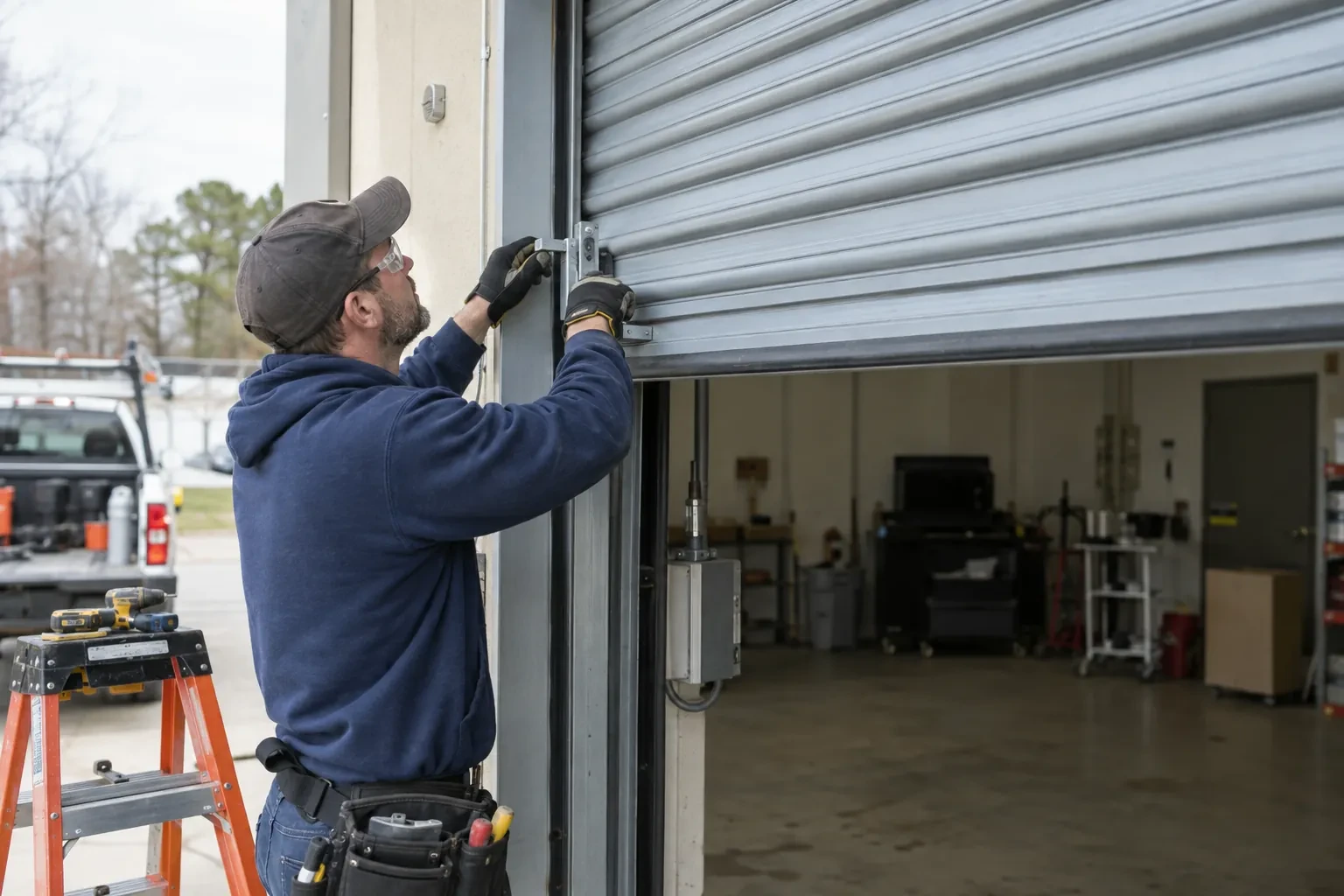
The door-position sensor works by tilt, so it belongs on the inside face of the top door section, near a hinge line and clear of the opener arm, the lock bar and any handle. The technician checks the panel surface, since insulated steel and raised-panel wood doors have different flat spots, and checks the distance and line of sight to the hub. Homes with two doors need a sensor on each. On a door with a window section the sensor is kept away from the glazing frame. The battery type is noted, and the mounting follows the sensor maker's specified fasteners for this climate: screws, an adhesive strip, or tape as a temporary step before screws.
Mounting and teaching the door sensor
The sensor is fixed to the inside of the top door section with two screws, oriented the way its maker specifies so the tilt reading is unambiguous. Its battery goes in, and the hub is put into pairing mode to find it. The technician then follows the controller's own pairing procedure: some units come already programmed to their sensor and are simply verified through full cycles, others are taught the closed and open positions by cycling the door. Further cycles follow while the app is watched for the status to change within seconds of each end. A sensor that reports late or wrongly is repositioned rather than left to be second-guessed later.
Looking after the sensor battery
The door sensor runs on a small battery, typically a coin cell or a pair of cylindrical cells, that lasts a year or two in a heated garage and somewhat less in an unheated one. The app shows a battery indicator and sends a warning as it runs down, so it is rarely a surprise. Replacing it is a small job: pop the cover, swap the cell for the same type the maker specifies, and cycle the door once so the hub hears from the sensor again. Keeping a spare in a kitchen drawer means a low-battery notice on a Sunday morning is a footnote rather than a stopped feature.
Smart Garage Controller Setup
In the van
- Dry-contact adapter for encrypted openers
- Wi-Fi access point or extender
- Cable clips and insulated staples
- Low-voltage bell wire
- Lithium coin cell or cylindrical cells
What affects the quote
Same fees day, night or weekend
1Door sensor mounting
A flat steel panel takes the sensor in minutes. An insulated, raised-panel or windowed top section may need a bracket or a different spot, which adds a little time.
2Users and devices to set up
Each family member's login, each phone that should receive alerts and each guest access is set up and tested individually, so say how many people are involved.
3Detached garage
A garage separate from the house often means both a signal problem and a longer walk for wiring and testing, and the quote reflects both.
Smart Garage Controller Setup: questions
Where does the door sensor go, and what does it do?
It screws to the inside of the top door section and senses tilt: that panel stands vertical when the door is closed and lies horizontal once the door is open, and the sensor reports the change to the hub by short-range radio. It is placed clear of the opener arm, lock bar and handles, on a flat part of the panel, then paired and proven through full cycles under the maker's own setup procedure so the status in the app is reliable.
What does the colour of the learn button tell you?
On many openers the learn button's colour marks the generation of radio coding the unit uses, which decides how a hub can talk to it. Some generations accept a simple two-wire connection at the wall-control terminals; others use an encrypted console and need the hub paired by radio or through a small adapter. Sending a photo of the button and the label ahead of the visit lets the technician arrive with the right hardware.
What happens if my internet goes down?
Your wall console, remotes and keypad talk directly to the opener and carry on as normal, and the door's safety features are entirely local. What pauses is the phone side: status, alerts and commands from outside wait until the hub reconnects, which it does by itself when the router comes back. If you replace or rename your router, the hub is walked through the join steps again.
Openers & Access
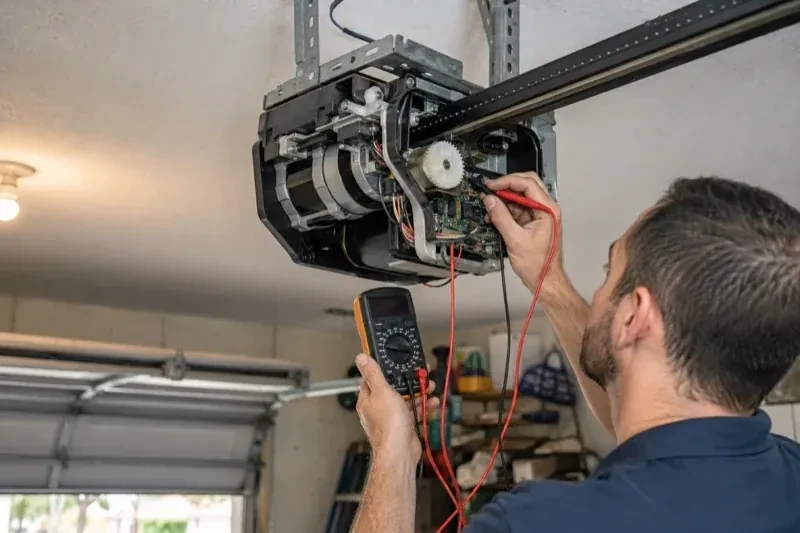
- Chain-Drive Opener RepairThe motor runs, you can hear it working, but the door never moves.
- Belt-Drive Opener RepairAfter the power came back you pulled the red cord to get the car out.
- Garage Door Opener ReplacementThe bedroom above the garage shakes every morning at six when the chain drive fires up.
Smart Garage Controller Setup near you
Whether the door on your house in Marywood Meadows needs a single roller or a whole new opener, the services listed here cover it. Repairs come first, because most doors can be saved; springs, cables and hardware follow; then openers and remotes; and finally new doors for homes and commercial buildings.